Overview
Installing a mobile app takes seconds, but reversing a poor install decision takes longer. A short checklist run before each install reduces errors, protects device performance, and builds consistent app evaluation habits.
This guide provides a compact, repeatable checklist structured for practical use ? not a theoretical framework, but a sequence you can apply in under five minutes.
Each item targets a specific risk category that commonly affects mobile game installs.
Source and Publisher Check
Confirm the app is from the expected publisher. Verify the developer name matches what you expect, and check that the listing links to a legitimate developer page.
Duplicated or misleading app names are a common distribution vector for unofficial copies. Cross-reference against the official site when any naming inconsistency appears.
This step takes 60 seconds and removes the most common risk category in mobile app installs.
Permissions Review
Read the full permissions list before confirming an install. Compare each permission against the app's stated function.
A game app requesting location access, microphone access, or contact list access without a clear functional reason warrants further investigation before proceeding.
Permissions that exceed functional scope are a signal to pause, not a reason to reject automatically. Investigate the specific permission before deciding.
Device Compatibility Check
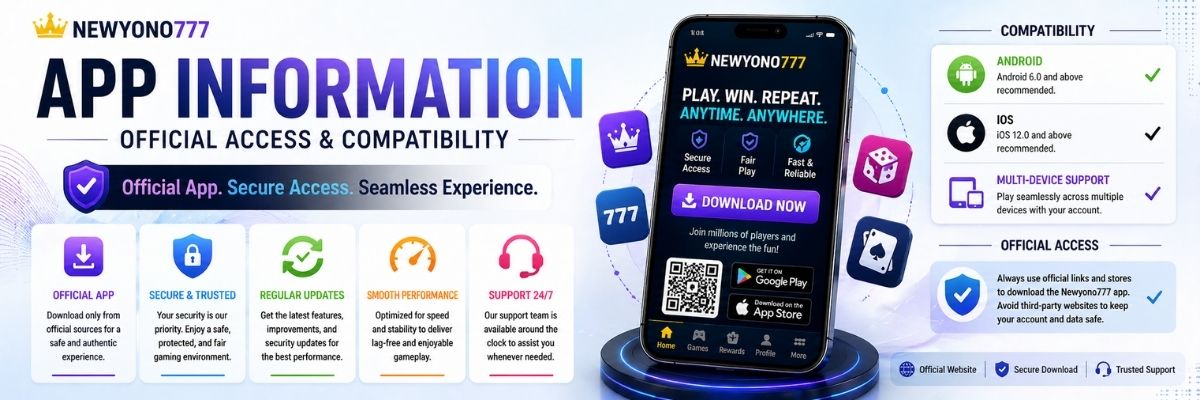
Verify the app's minimum OS version requirement against your device's current OS version. Also check storage requirements against available free space.
Compatibility mismatches are the most common cause of post-install performance issues. A brief check before install prevents most of them.
For older devices, also check whether recent user reviews mention performance issues on older hardware.
Update History Review
Check when the app was last updated and whether the update cadence appears consistent. Apps with regular, documented updates signal active maintenance.
Review the most recent changelog for any mentions of stability fixes, security patches, or significant behavior changes.
Long gaps between updates are not automatic disqualifiers, but they require additional scrutiny for compatibility and security.
Recent User Feedback Scan
Filter user reviews to the most recent 30 days before the install date. Current reviews reflect the app's present state better than overall aggregate ratings.
Look specifically for mentions of crashes, unexpected permission prompts, or behavior changes following recent updates.
A short, focused scan of recent feedback takes two minutes and catches issues that version notes may not fully document.
Related Internal Guides
For deeper pre-install safety guidance, see App Safety Check Before Install.
For broader app setup guidance, use App Information.
To balance app exploration with sustainable session habits, combine with Responsible Play.
The Complete Checklist
- Verify publisher name and developer listing.
- Cross-check against official site if naming is unclear.
- Review all permission requests against app function.
- Check OS version compatibility and storage space.
- Review update frequency and most recent changelog.
- Scan recent user reviews (last 30 days) for current issues.
- Run a brief post-install observation session before full use.
FAQs
How many items should be on a pre-install checklist?
Five to seven items is the practical range. A short consistent checklist you actually use is more effective than a comprehensive one you skip.
Do I need to check permissions for every app install?
Yes. Even trusted app categories can include permission requests that exceed their functional requirements. A quick review takes under a minute.
What is the fastest way to verify app source quality?
Check the publisher name, developer page link, and whether the listing matches official website references. Inconsistencies are a fast disqualifier.
Should I check device compatibility before installing?
Yes. Compatibility issues affect performance, battery usage, and stability. Verify OS version requirements and storage space before committing to an install.
What should I do if a pre-install check raises a concern?
Pause the install, investigate the specific concern further, and check alternative sources before proceeding. It is always safer to delay than to install and uninstall.